



 Microsoft Dynamics 365 Supply Chain Management
Supply Chain Management, from rollout to support
We implement Supply Chain Management for warehouse, inventory, procurement and production, extend it where your process needs more, and connect it to the systems around it. The same team supports it after go-live.
Where Supply Chain Management gets stuck
Pick the situation closest to yours to see what we would do about it.
You are outgrowing your current ERP or moving from Dynamics AX, and need warehouse, procurement and production set up around how you operate.
- A rollout plan and configuration for warehouse, inventory, procurement and production
- Data migration, reconciled against your current stock and open orders
- User training and support through go-live
Picking, loading or route planning runs on spreadsheets or a separate tool, so stock and shipments in Supply Chain Management fall behind.
- A process map from receipt to dispatch
- Warehouse and transport extensions designed against standard features
- Mobile steps for warehouse and field staff where they help
Master planning, purchasing or production schedules are adjusted by hand because the setup no longer fits how the business runs.
- A review of planning parameters and coverage settings
- A fit-gap on what standard planning can do
- Changes tested against real orders before go-live
Another partner started the work and it has stalled, or Supply Chain Management is live but people work around it, reports disagree or customizations make Microsoft updates a worry.
- A review of the project, configuration, extensions and reports
- A recovery plan with prioritized fixes
- Ongoing support, with checks before each Microsoft update
We are moving to Supply Chain Management
You are outgrowing your current ERP or moving from Dynamics AX, and need warehouse, procurement and production set up around how you operate.
- A rollout plan and configuration for warehouse, inventory, procurement and production
- Data migration, reconciled against your current stock and open orders
- User training and support through go-live
Warehouse and transport work happens outside the system
Picking, loading or route planning runs on spreadsheets or a separate tool, so stock and shipments in Supply Chain Management fall behind.
- A process map from receipt to dispatch
- Warehouse and transport extensions designed against standard features
- Mobile steps for warehouse and field staff where they help
Planning does not match what happens on the floor
Master planning, purchasing or production schedules are adjusted by hand because the setup no longer fits how the business runs.
- A review of planning parameters and coverage settings
- A fit-gap on what standard planning can do
- Changes tested against real orders before go-live
Our project has stalled or is not working for the team
Another partner started the work and it has stalled, or Supply Chain Management is live but people work around it, reports disagree or customizations make Microsoft updates a worry.
- A review of the project, configuration, extensions and reports
- A recovery plan with prioritized fixes
- Ongoing support, with checks before each Microsoft update
Four ways we work in Supply Chain Management
Most projects combine two or three of these. We tell you when standard Supply Chain Management is enough.
Implement
Configure Supply Chain Management for warehouse, inventory, procurement and production, then take it live.
- Configuration and setup
- Data migration
- Training and go-live
Extend
Add the steps standard features do not cover, built as extensions kept separate from the standard application.
- Fit-gap and design
- Custom forms and processes
- Tested against your process
Integrate
Connect Supply Chain Management to carriers, warehouse systems, portals, mobile apps and Power Platform.
- Record ownership agreed
- Data entities and APIs
- Failed updates surfaced
Support
Keep the system and its extensions healthy after go-live, and report on how it performs.
- Ongoing support
- Checks before Microsoft updates
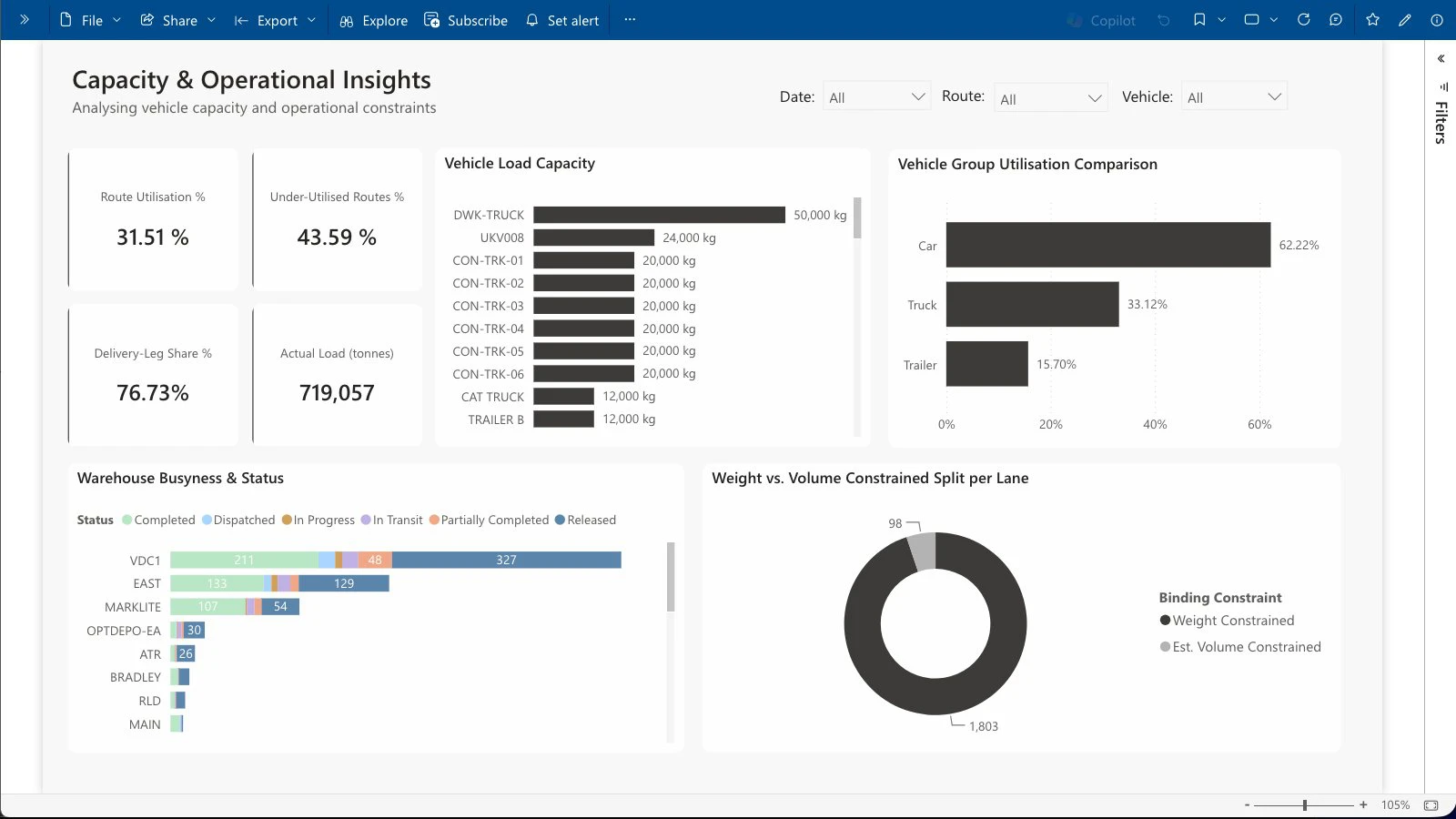
- Power BI reporting
Outputs you can check and keep
Every engagement ends with documents and working software your team can review, test and run.
 Current-state process map
 Fit-gap against standard Supply Chain Management
 Solution and extension design
 Configured environment and migrated data
 Extensions and integrations with test scripts
 User acceptance criteria
 Training and user guides
 Handover documentation and support plan
How an engagement runs
Each stage ends with something you approve before the next one starts.
Discovery
We map how the process works today with the people who run it and agree the decision you need to make.
Current-state mapDesign
We test the fit of standard functionality, then agree the configuration, extensions and integrations.
Agreed solution designBuild and test
We configure, build and migrate in stages, and test each stage against your acceptance criteria.
Tested releaseGo live and support
We support the go-live, train your team and hand over the documentation.
Handover pack Our own work
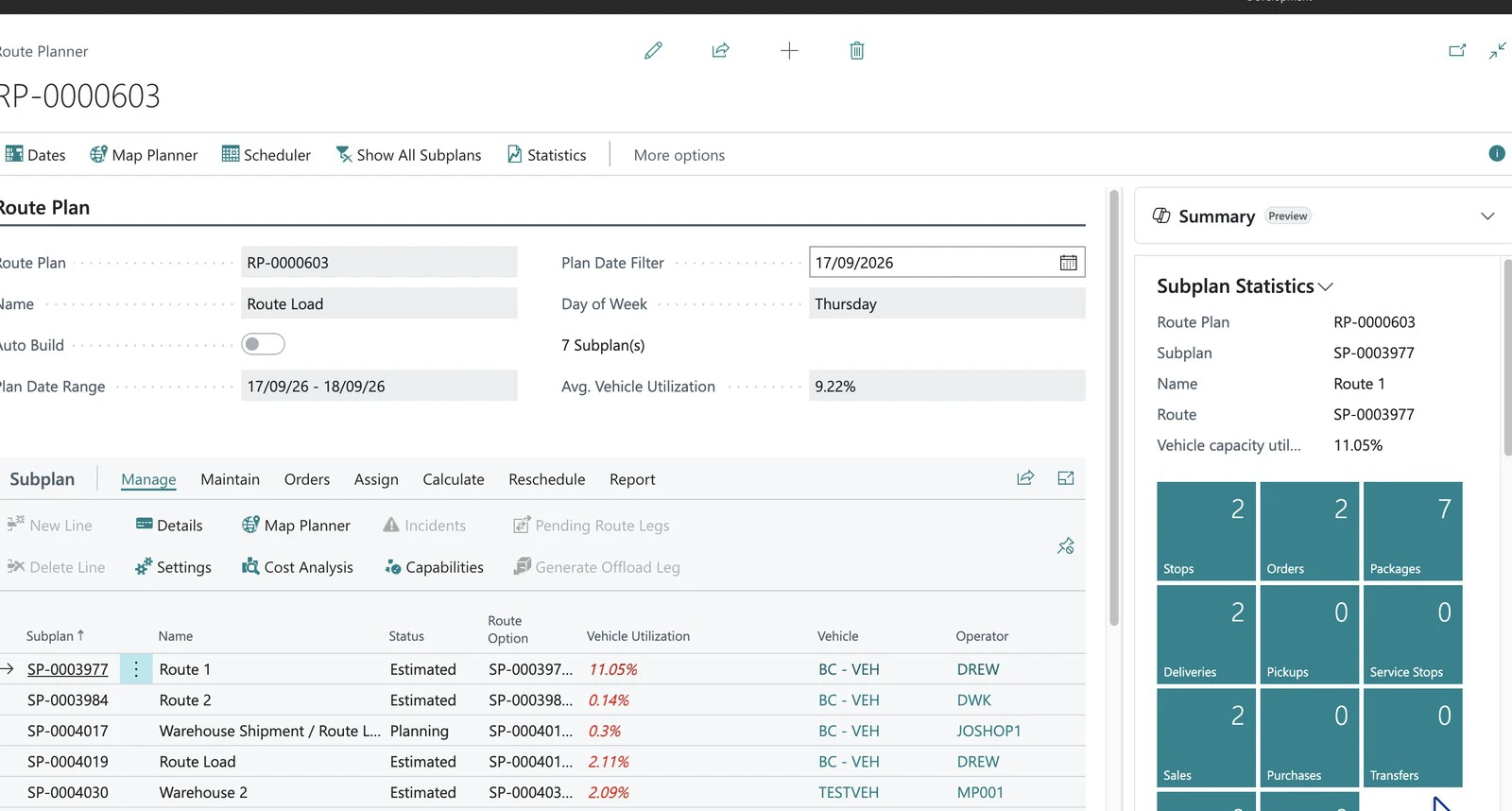
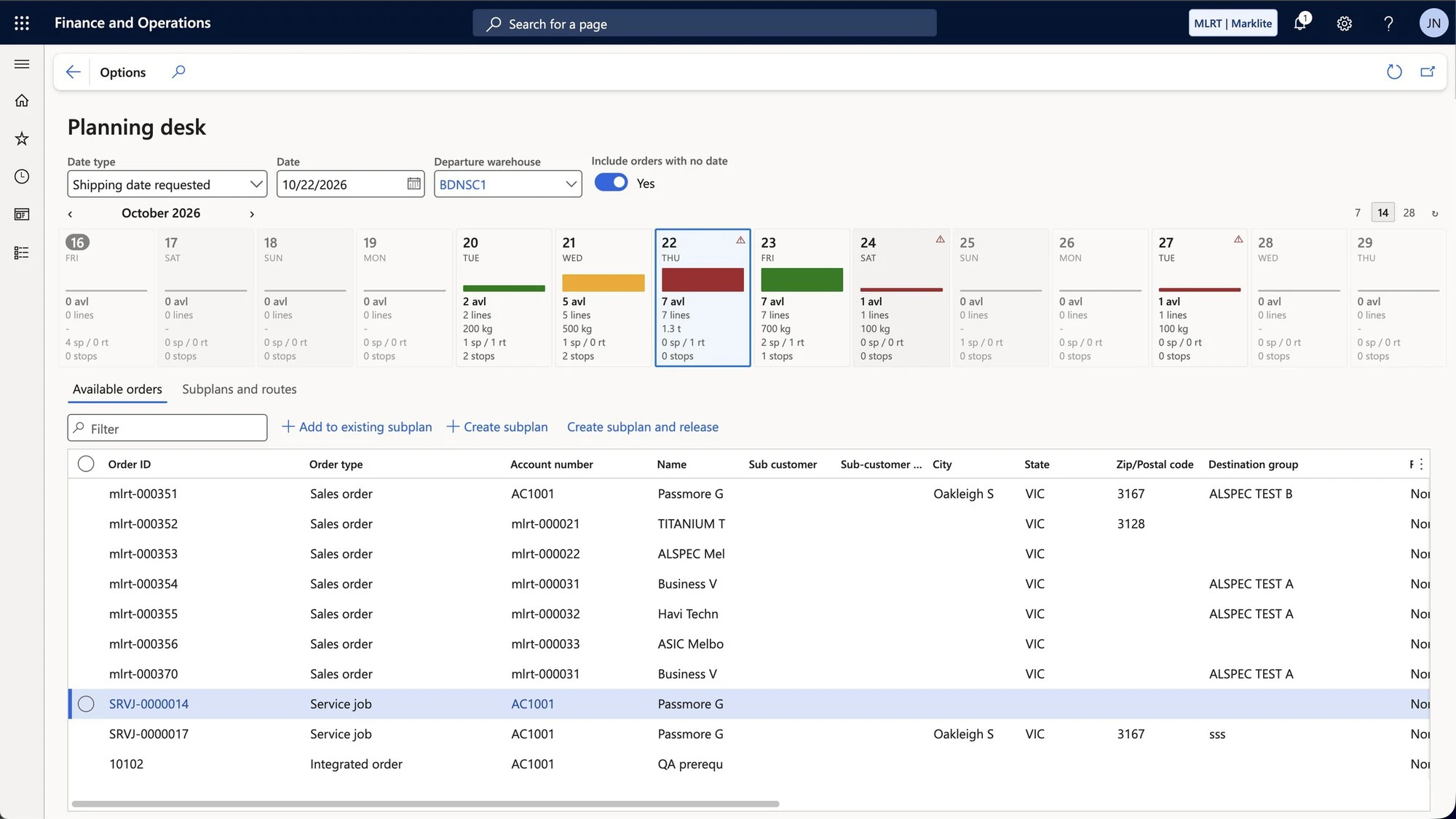
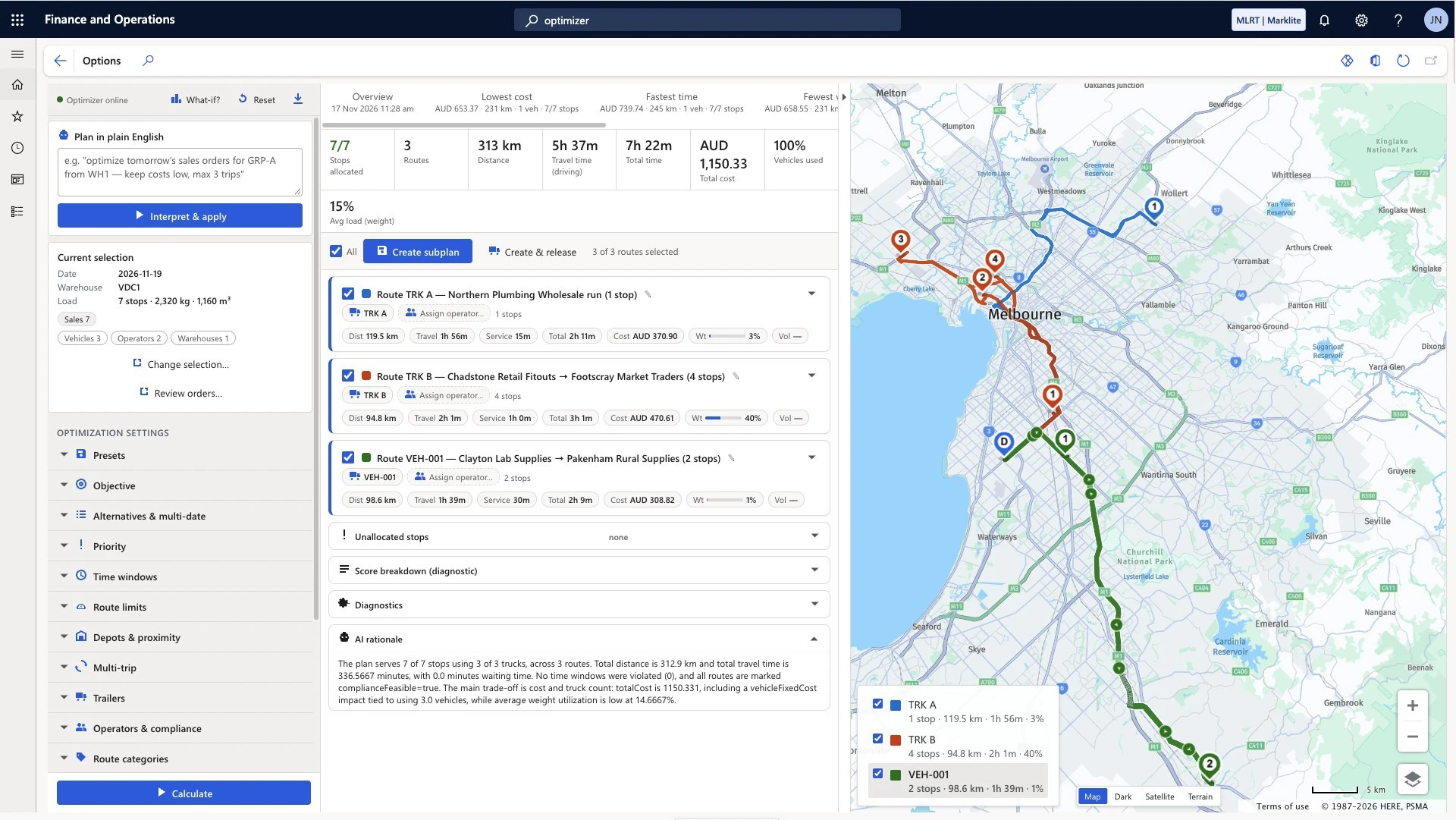
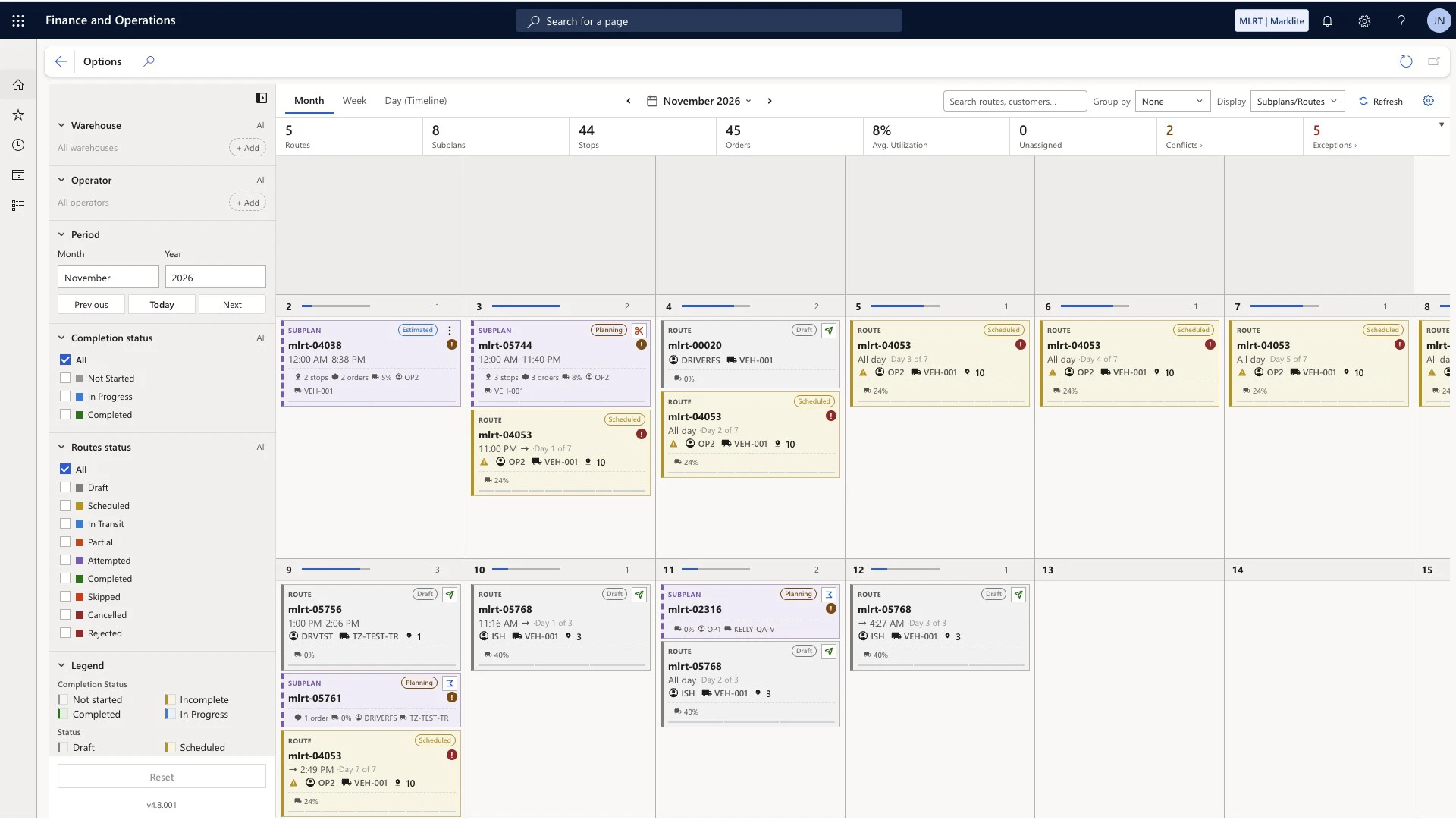
RouteCTRL runs inside Supply Chain Management
Our transport management system. Planners compare costed route options and release loads without leaving Dynamics 365.
RouteCTRL
Optimizer
Scheduler
Before you get in touch
Something else on your mind? Ask it in the form below and the team will answer.
Yes. We plan the rollout, configure warehouse, inventory, procurement and production, migrate your data, train your team and support the go-live.
Yes. We test the fit of standard functionality before we propose an extension, and we only build what standard features cannot do.
Yes. Most of our Supply Chain Management work is in warehouse and transport. We also built RouteCTRL, a transport management system fully integrated into Supply Chain Management.
The same team that built it. Testing, documentation and knowledge transfer are part of every project, so your people can run it too.
Yes. We review where the project stands, what has been built and what is blocking go-live, then give you a written recovery plan before any new work starts.
With a conversation about one process, report or integration. Tell us how it works today and which Microsoft apps it touches, and we will suggest how to approach it and what a first phase could include.
 Business Central
Finance, inventory and fulfillment on one ERP.
View service
 Dynamics 365 Sales
Quotes and orders connected to the ERP.
View service
 Power Platform
Power Apps and Power Automate on Dataverse.
View service
 Data and reporting
Power BI and Fabric models you can reconcile.
View service
 Integration and Azure
Dynamics 365 connected to the systems around it.
View service
Start with one process
Pick one process, report or integration that needs attention. Tell us how it works today and which Microsoft apps it touches, and we will reply with how we would approach it and the next step.
Tell us what needs to change
Describe what your team still does by hand, and which Microsoft apps it touches.Talk it through
We go through it with the people who own the process and look at what you already have.Agree the next step
If the work is a fit, we send a proposal with the scope, the work involved and the cost.Thank you, there, we have your message
Someone from our team will reply within one business day. A copy of your message is on its way to your inbox.