







The short answer
RouteCTRL, Marklite's transport management system, is a Supporting Sponsor at Convergence AI+D365 2026 at the Fontainebleau Miami Beach. The conference runs December 8 to 11, and Booth 110 is open during the expo on December 9 and 10. Marklite staff run live demonstrations of AI-assisted route planning with RouteCTRL and plain-language reporting with InsightsCTRL.
What is Convergence AI+D365 2026?
Convergence AI+D365 2026 is a Dynamics 365 conference that brings together Microsoft product teams and the Dynamics User Group (DUG) community. Microsoft leads more than 100 sessions on Dynamics 365, Copilot and Power Platform (convergence365.com). The format:
| Date | What happens |
|---|---|
| Tuesday, December 8 | Partner Pre-Day (separate ticket) and welcome reception |
| Wednesday, December 9 | Keynotes, sessions and the expo; Expo Happy Hour 5:00 to 6:00 PM |
| Thursday, December 10 | Keynotes, sessions and the expo |
| Friday, December 11 | Hands-on workshops, 8:00 AM to 12:00 PM ET (separate registration) |
The event takes place at the Fontainebleau Miami Beach in Florida. Attendance requires a paid registration.
Where can you find Marklite at Convergence 2026?
At Booth 110, during the expo on Wednesday, December 9 and Thursday, December 10. Marklite staff run demonstrations for visitors as they arrive, so questions about configuration, integration and project scope can be answered at the booth rather than in a follow-up call. The expo opens with breakfast at 7:30 AM Eastern Time on both days, and breakdown starts at 4:30 PM on December 10.
What will you see at Booth 110?
The demonstrations use the same kind of Dynamics 365 records your team works with: sales orders, transfer orders, customers and items. The Operator App, Customer Portal, Command Center and Power BI reports have their own screens, built on those records.
| Demonstration | What you see | Most useful for |
|---|---|---|
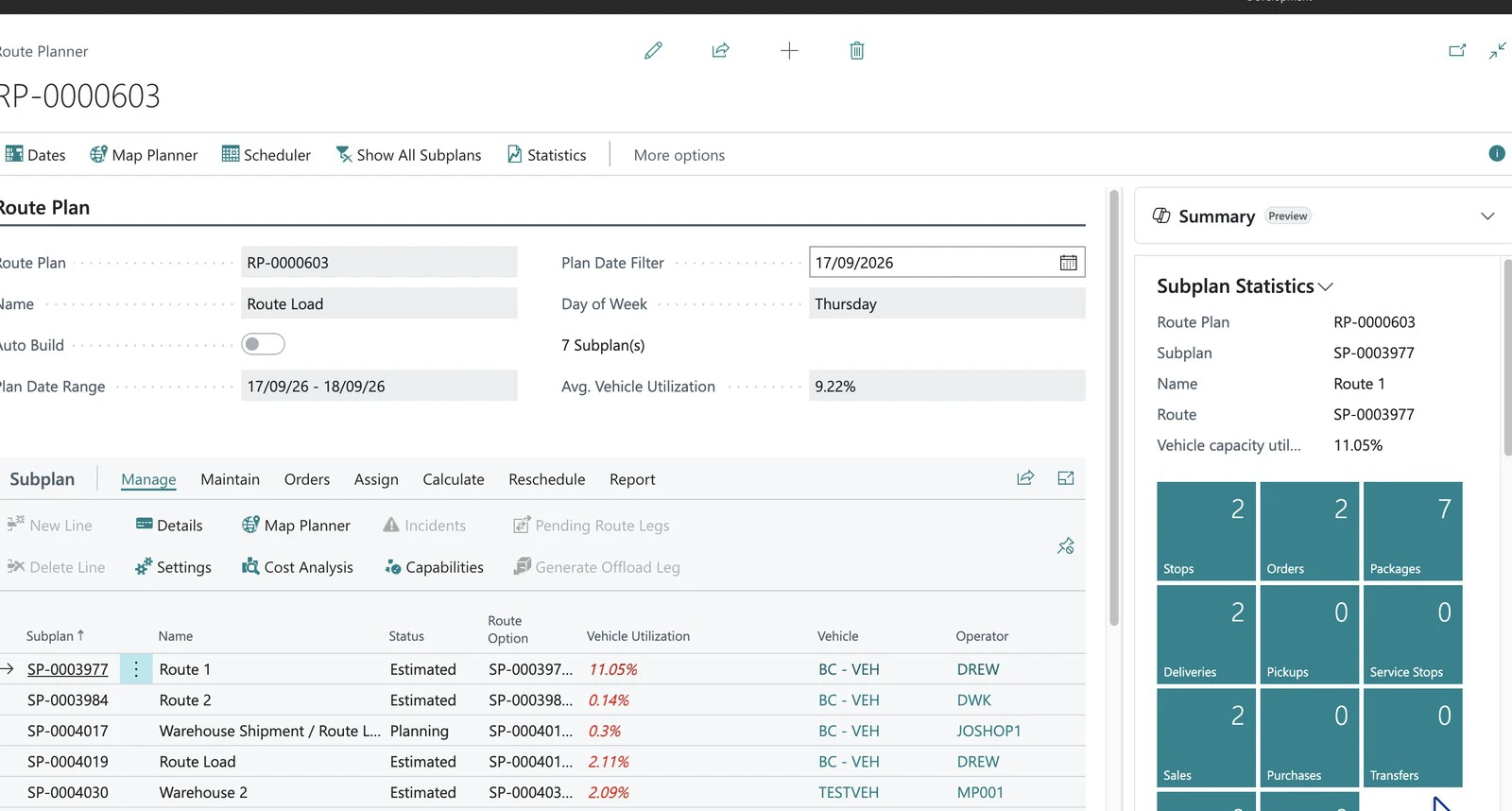
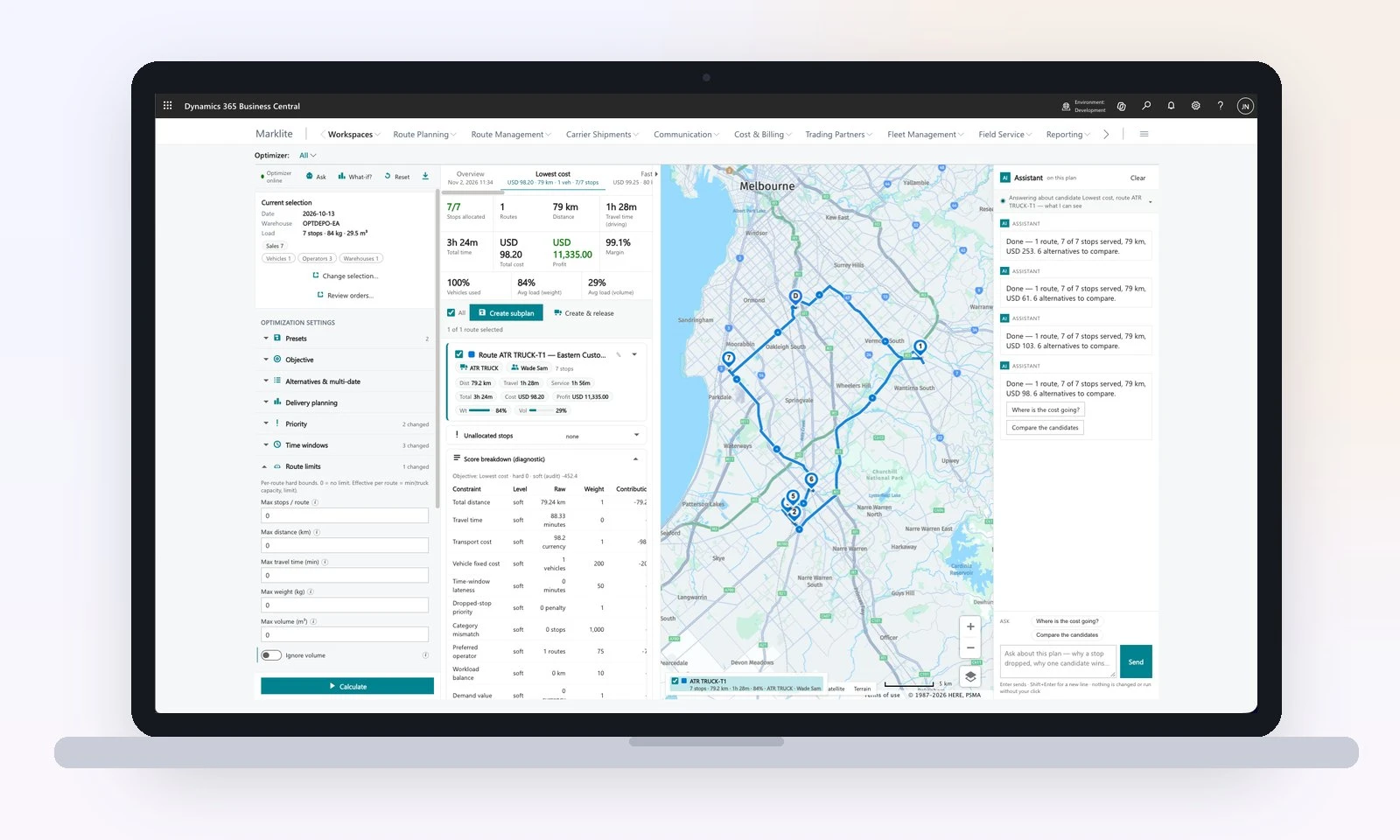
| AI-assisted route planning | A planner types a plain-English instruction, reviews the orders the AI Planning Assistant selects, and compares optimized routes before release | Transport planners and operations managers |
| Planning to proof of delivery | Routes built from Dynamics 365 orders, adjusted in the Scheduler, released to the Operator App and confirmed with signature and photos | Teams moving from spreadsheets or a standalone TMS |
| Dispatch and tracking | Live route progress in the Command Center, and the Customer Portal view your customers see | Dispatchers and customer service |
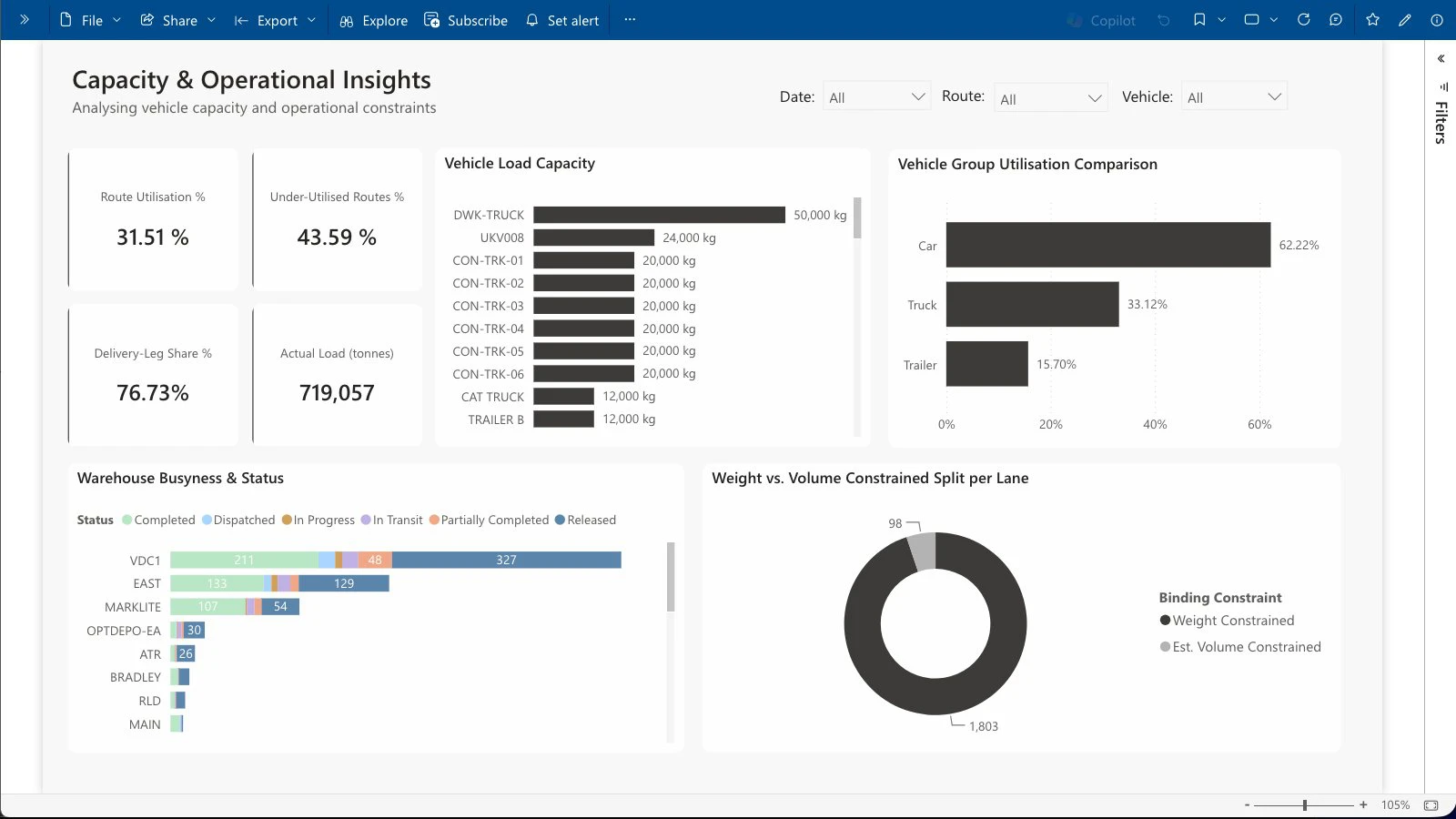
| Planned versus actual | Power BI reporting that compares planned and actual distance, time and cost | Finance and operations leads |
| Plain-language reporting | A finance question becomes a report built on approved definitions, with How it was made showing where each figure came from (InsightsCTRL, on demo data) | Finance leaders, controllers and IT administrators |
RouteCTRL runs in Dynamics 365 Supply Chain Management, Business Central, Sales and Microsoft Power Platform, and the booth team can demonstrate each one. Tell us which app you use and we will run the demo there. For the reporting demo in detail, see InsightsCTRL at Convergence AI+D365 2026.
What should you bring to the booth?
A short conversation is more useful when it starts from your own process. If you can, bring:
- The Dynamics 365 app and version you run, and any other systems involved, such as a WMS or carrier platform
- Rough volumes: orders, routes or jobs per day, and vehicles or carriers
- One process you want to change, and who runs it today
- Any deadline, such as a go-live, a renewal or a peak season
If your question is about AI more broadly, our guide to AI in Microsoft Dynamics 365 for operations teams covers where it helps and what each use depends on.
How does the prize draw work?
Scan the QR code at Booth 110 and complete the short entry form. Entry is free; you need a Convergence admission to visit the booth. Entries close on Thursday, December 10, 2026, at 2:00 PM Eastern Time. Winners are drawn at random, emailed by 2:15 PM and can collect their prize at Booth 110 until 4:15 PM that afternoon. The three prizes are a LEGO Technic McLaren P1, Sony ULT WEAR headphones and a JBL Clip 5 speaker.
Full terms and the prize list: How the RouteCTRL prize draw works at Convergence 2026.
Do you need to book?
No. Come to Booth 110 at any time while the expo is open on December 9 and 10, and the team will run the demonstration you want to see. During the breaks and lunch you may wait a few minutes for a free screen. If you can't attend, request an online demo through our Discuss a project page and choose "RouteCTRL demo" or "InsightsCTRL demo".
What happens after the event?
We follow up by email with the notes from our conversation and any next step we agreed, such as a longer online demo for your team.